

Google Earth is one of the best educational tools ever created AND one of the most underutilized. Teachers and students have the entire world at their fingertips to explore.

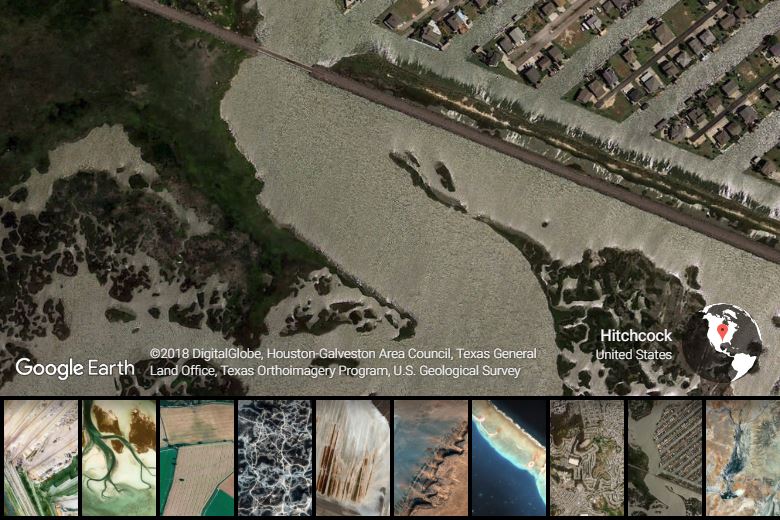
I recommend installing the Earth View Chrome Extension on every device running Chrome at your school. Each new tab shows satellite imagery with precise location details. It is a great way to teach students and staff geography without even trying! If you click on the globe icon in the bottom right corner, Google Earth will launch its web version for further exploration.
The web version of Google Earth is really cool. Math and science teachers will appreciate the ruler tool, which can measure distance, perimeter, and area. A social studies teacher might also want to use this tool to trace the distance traversed on the Bataan Death March in the Philippines or plot the length of the Appalachian Trail. Here is a quick video highlighting the web version of Google Earth with some navigational tips (e.g., hold “Shift” to tilt in 3D):
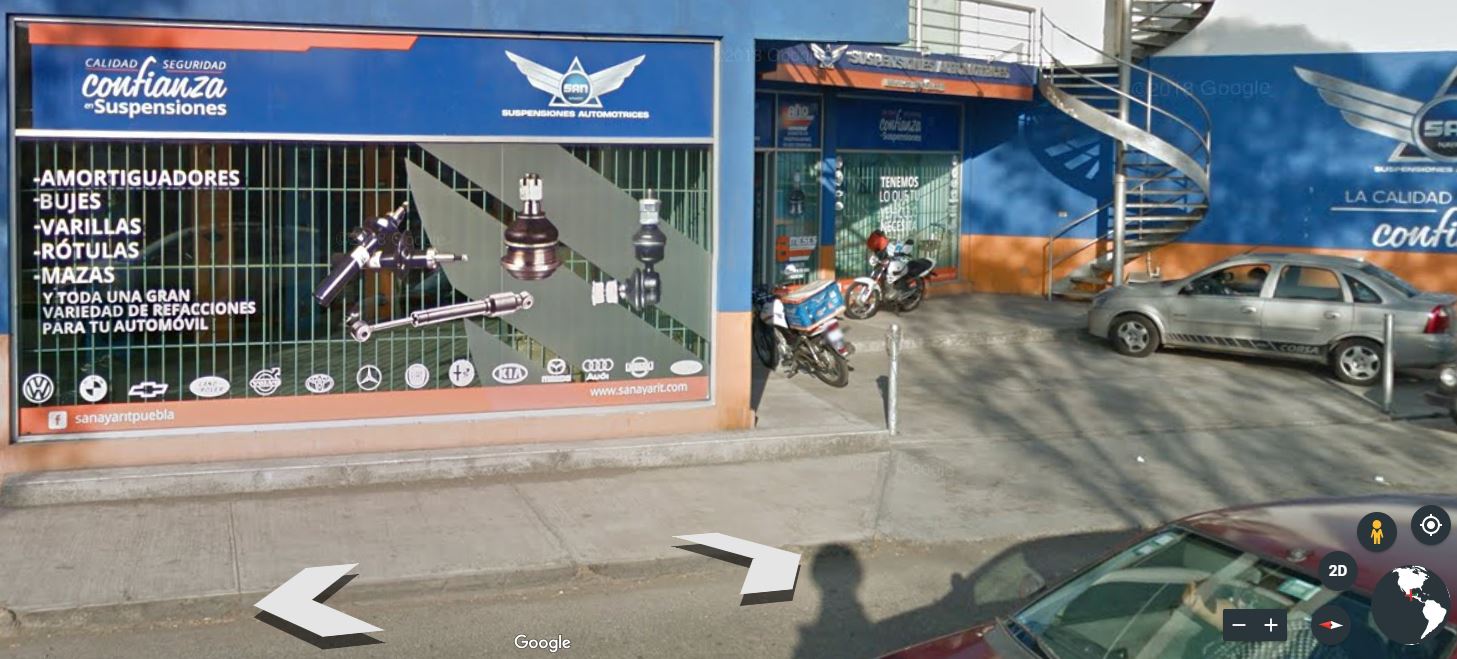
Street View is an incredible tool for foreign language teachers. What better way to immerse yourself in a foreign language than to visit a foreign country? Instead of using vocabulary worksheets, have your students translate advertisements they discover “walking” the streets of foreign countries. Make vocabulary acquisition relevant and fun.
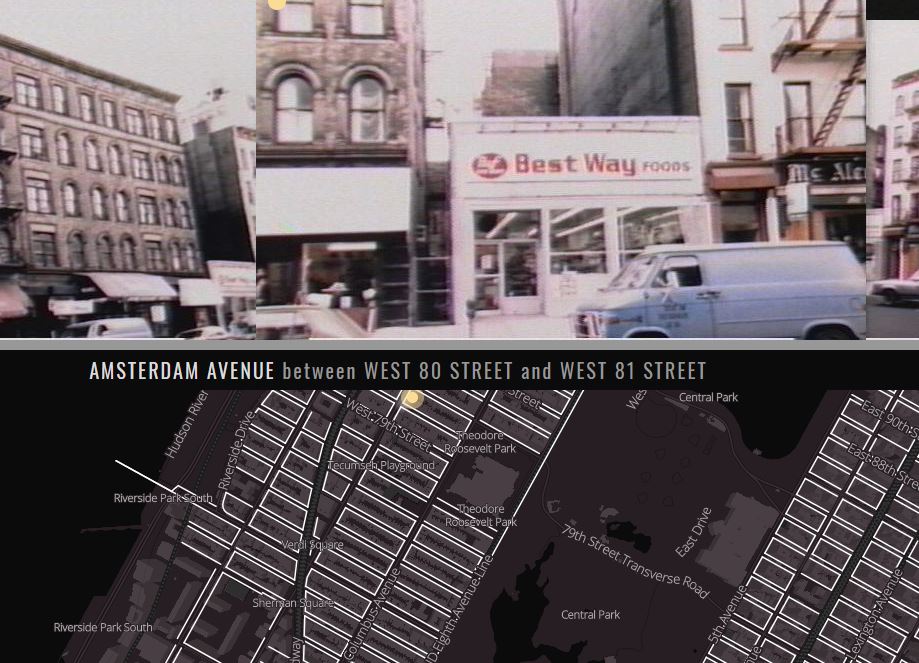
Although this is not sponsored by Google, New York City has some interesting “Street View” resources as well. 80s.NYC is a great website that places photos on a map that were originally intended to be used for property assessments. The New York Public Library has put together pictures from yesteryear on a map as well at OldNYC, which reaches back to the 1800’s. Beyond the photos’ historical value, language arts teachers could use them to prompt students to find unique settings for creative short stories.
The Google Maps version of Google Earth has some features that the web version site of Google Earth does not have, specifically concerning outer space. The link above will let you visit many of the solar system’s planets and moons. The best feature might just be ZOOMING ALL THE WAY OUT FROM EARTH where you can see the sun and the Earth’s current position. Left click and drag on the Earth to change your perspective.
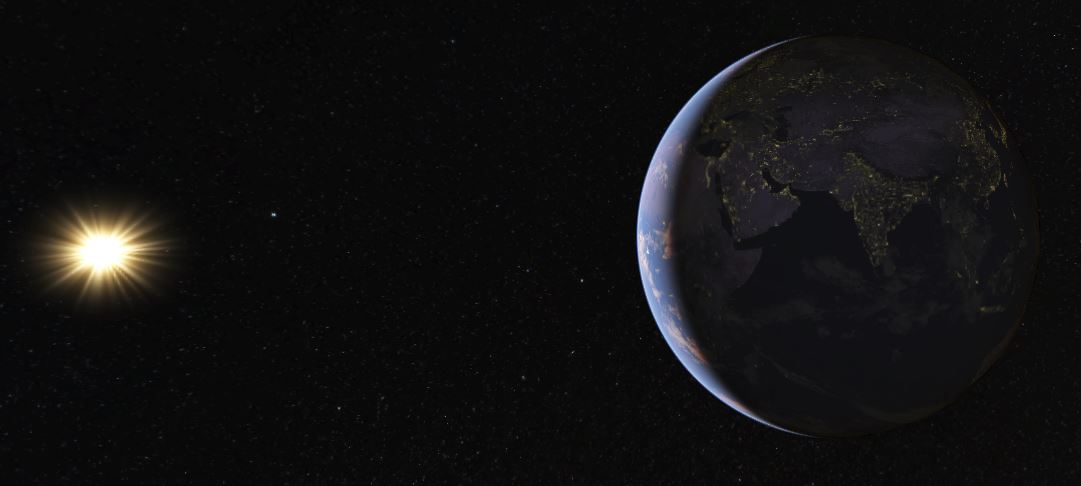
It is super easy to help students grasp the concept of sunrises and sunsets as you rotate your perspective about the Earth. You can also see where people are experiencing sunrises and sunsets at that exact moment. If Ernest Hemingway had this tool available to him, The Sun Also Rises may have been The Sun Always Rises instead. If you zoom all the way out, the dark side of the Earth will also light up wherever there are major cities. You may want to draw students’ attention to notable exceptions, like North Korea, which could lead to constructive conversations about differing economic systems. Why is South Korea lit up when North Korea is so dark?
Voyager is not just a great Star Trek series, it is also an incredible tool within Google Earth that makes history come alive by taking you on a journey from place to place. For example, the link above details the travels of Marco Polo.
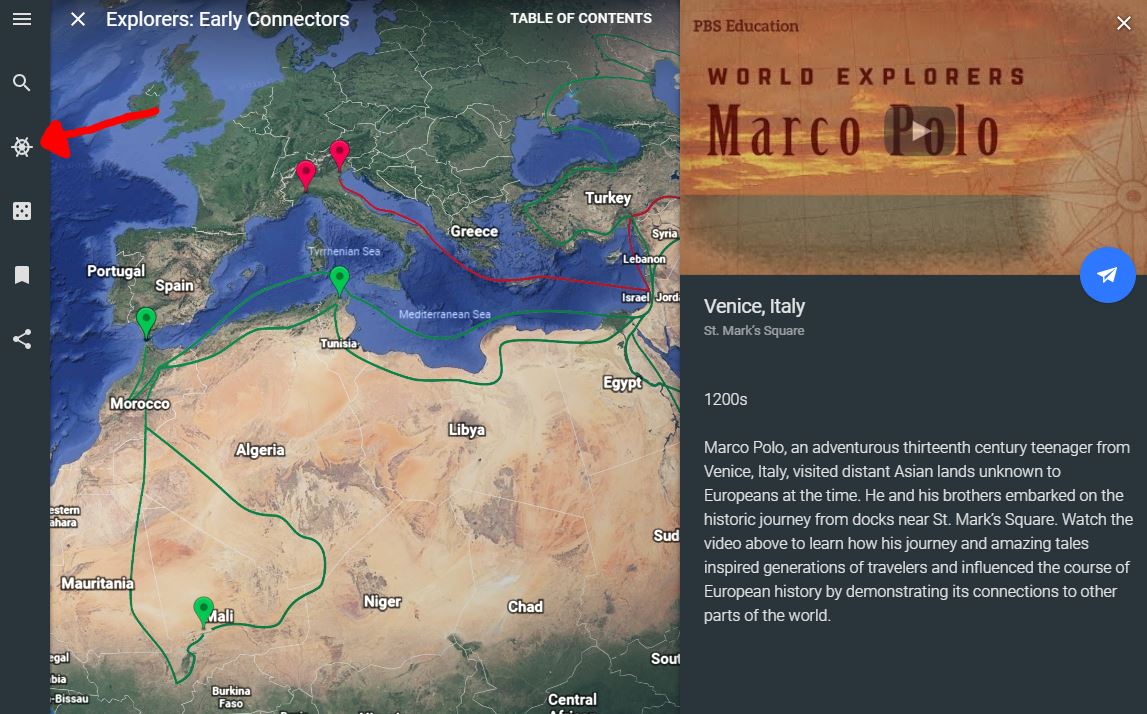
Wouldn’t it be cool if students could create a voyage like the one above? Well they can with Tour Builder. Instead of having students write a boring paragraph or essay about what they did over their summer break, have them show you where they went and what they did. It is easy to attach pictures and videos to each location as well as text. It is of course really cool when someone goes to a different country, but Tour Builder can also be used on a much smaller scale. There is no reason why students cannot simply show off their favorite neighborhood hangouts.
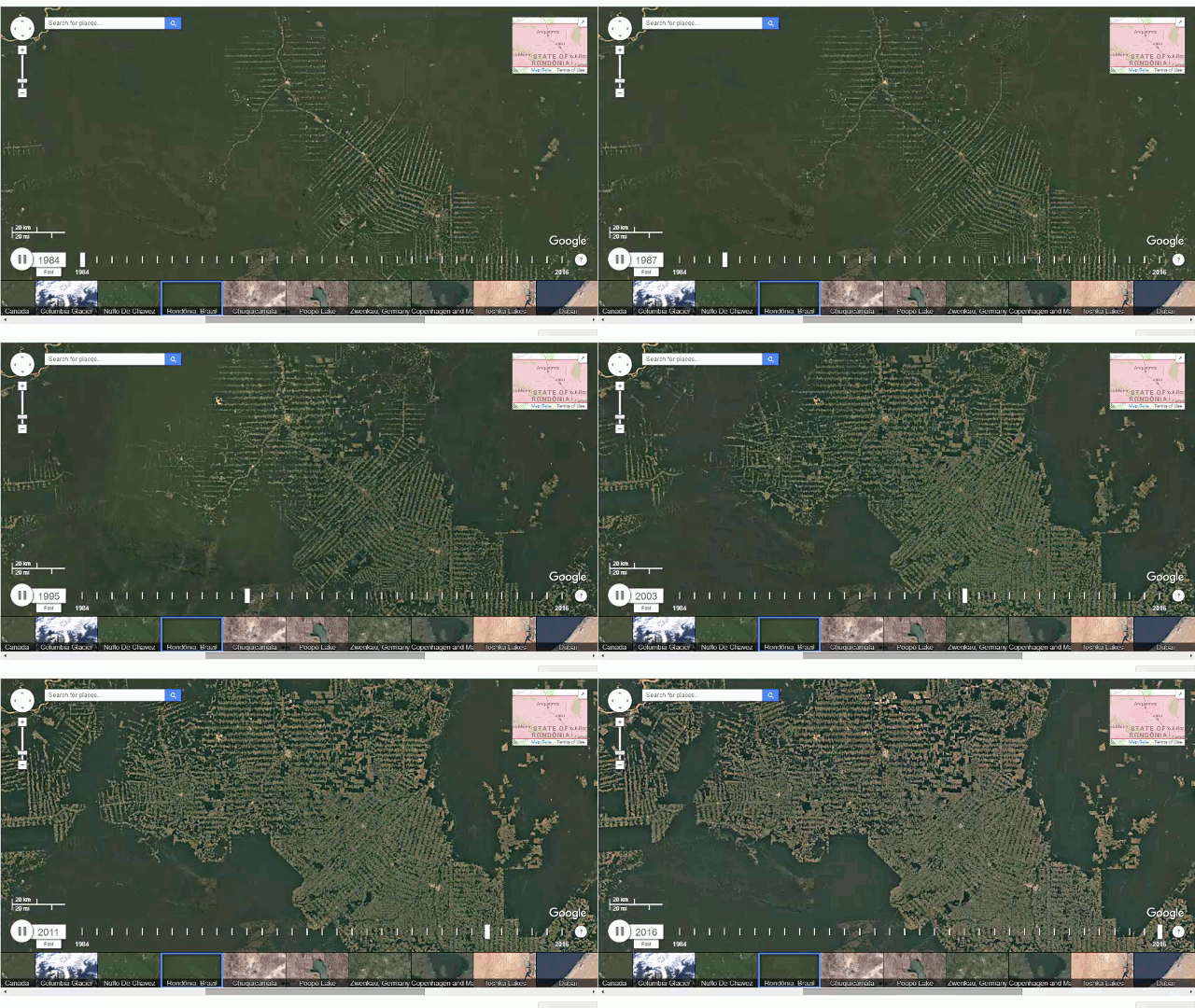
If you want to demonstrate how the world has changed since 1984, check out Earth Timelapse. It’s one thing to talk about the deforestation of the rainforest and another to see what it looks like. It is also quite fun to look at how your local neighborhood has changed over the last few decades.
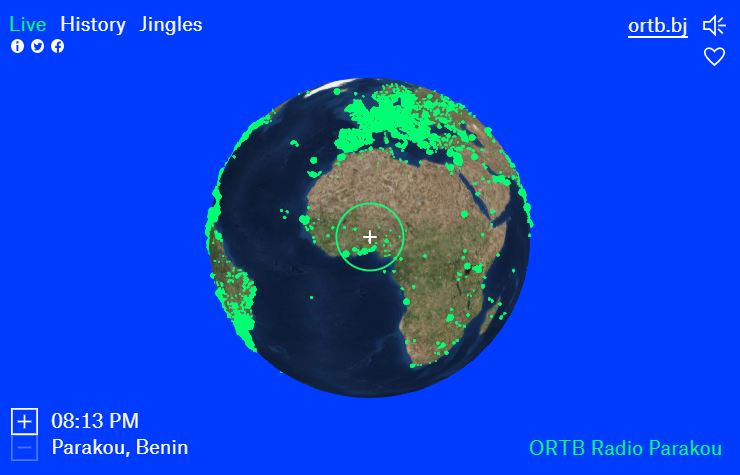
The final item in this deep dive is not a Google offering; however, it is phenomenally great and has to be shared. Radio Garden uses a layout like Google Earth with an interesting twist; it is designed to help you find internet radio stations around the world. Have you ever thought, “I sure wish I could listen to French talk radio live from the continent of Africa right about now?” Perhaps not, perhaps never, but now you most certainly can. And if you scratch the itch and do some googling, you may even discover that a random city named Parakou derives “from the Dendi word meaning ‘The city of everyone'” (WikiVogage). How apropos is that in a world that is connected to everywhere and everyone?
 Buck School